
In Brief (TL;DR)
Discover what RCS messages are, the technology transforming old SMS into a modern, feature-rich chat for all Android users.
Learn how this communication standard enriches the native messaging experience with advanced features like read receipts, group chats, and multimedia file sharing, overcoming SMS limitations.
Discover how this technology is transforming mobile communication, making every conversation more dynamic and functional.
The devil is in the details. 👇 Keep reading to discover the critical steps and practical tips to avoid mistakes.
For years, the world of smartphone messaging has been split in two. On one side, the integrated, feature-rich experience of iMessage on iPhone; on the other, the fragmented Android universe, anchored to old SMS and MMS. This era is coming to an end. A technology destined to change how we communicate from our phones forever is taking hold: RCS messages. An acronym for Rich Communication Services, this new standard is the natural evolution of SMS, designed to enrich native messaging with all the features we love today in chat apps like WhatsApp or Telegram.
Imagine being able to send high-quality photos and videos, create advanced group chats, see when someone is typing, and receive read receipts, all directly from the “Messages” app pre-installed on your Android device. It’s not about installing a new application, but an upgrade to the mobile communication infrastructure itself. A monumental shift, similar to the move from black and white TV to color, promising to unify the messaging experience for billions of users.
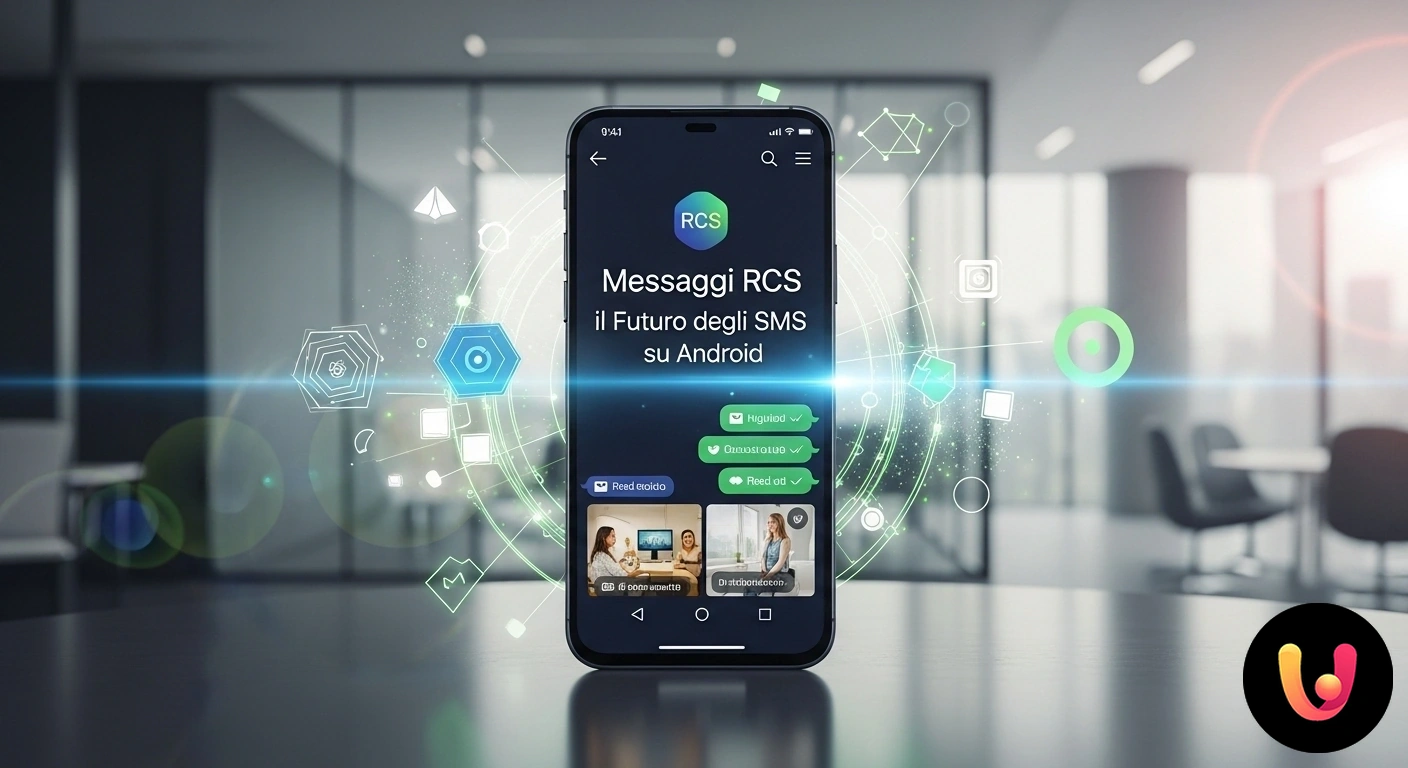
What RCS messages are and why everyone is talking about them
Rich Communication Services (RCS) is a communication protocol that transforms simple text messages into a dynamic and interactive conversation. Unlike SMS, which travels over the cellular network with severe limitations, RCS messages use data connections or Wi-Fi to transmit complex multimedia content. This allows overcoming the historical limits of MMS, such as aggressive compression of photos and videos, and introducing modern features that were previously exclusive to third-party apps.
The main features that make RCS a true revolution include the ability to send large files, create functional group chats, see typing indicators, and read receipts. Added to this is a higher level of security thanks to end-to-end encryption, which protects conversation privacy. The real strength of RCS, however, lies in its nature as a universal standard, promoted by Google and mobile carriers to be natively integrated into all Android smartphones.
Google’s silent revolution on Android
Google is the main promoter of RCS adoption, aiming to offer Android users a unified and competitive messaging experience. Through the Google Messages app, pre-installed on most new smartphones, the company has made activating RCS chat an almost automatic process. This strategy aims to solve the historic fragmentation of the Android ecosystem, where every manufacturer and carrier offered different and often incompatible messaging solutions.
Google’s push didn’t stop at technical implementation alone. With media campaigns like “Get The Message,” it publicly invited Apple to adopt the standard to break down the wall between iMessage’s “blue bubbles” and the “green bubbles” of SMS from Android. Apple’s recent decision to support RCS starting in 2024 marks a victory for interoperability, promising to drastically improve communication between iPhones and Android devices. This step forward will make call and message management smoother and more consistent across all platforms.
RCS in Italy and Europe: between tradition and innovation

In the Italian and European context, messaging is dominated by WhatsApp, which data shows is used by 78.5% of the population between 18 and 74 years old. However, SMS maintains a crucial role for official communications: banks, public services, and companies still use them for notifications and security codes. RCS fits perfectly into this scenario, combining the reliability and universality of SMS, tied to the phone number, with the functional richness of modern chats.
This fusion of tradition and innovation responds to a need typical of Mediterranean culture, where the solidity of a consolidated tool like SMS is appreciated, but the convenience of new technologies is embraced with enthusiasm. For companies, RCS also opens the doors to Business Messaging (RBM), a channel that allows sending interactive communications like boarding passes, shipping updates, or product catalogs, complete with a logo and verified sender to increase trust and security.
Concrete benefits for the everyday user
The adoption of RCS messages brings tangible benefits to everyday life. Think about organizing a dinner with friends: instead of an impersonal group chat via SMS, you can create a dynamic conversation where you see who has read the message and who is replying. Sharing vacation photos will no longer mean sending grainy and compressed images, but high-resolution files that maintain their original quality.
Another fundamental advantage is security. With end-to-end encryption, private conversations remain just that, protected from prying eyes. Additionally, the verified sender function for businesses effectively fights phishing and scams by showing a badge confirming the brand’s identity. This makes RCS an ideal tool not only for informal chats but also for more sensitive communications, such as those with your bank or customer service, helping you make your smartphone more secure.
How to activate and use RCS messages on your smartphone
In most cases, you don’t have to do almost anything to start using RCS messages. If you own a recent Android smartphone, the Google Messages app should already be installed and configured. Upon opening, the app itself might ask you to activate “RCS Chats.” If not, you can check manually: open the app, tap your profile icon in the top right, go to “Messages settings,” and look for “RCS chats.” Here you can activate the function.
One of the most common questions is: what happens if I send a message to a person who doesn’t have RCS active or owns an iPhone (before the update)? The beauty of this standard is its backward compatibility. The system automatically detects if the recipient supports RCS and, if not, sends a classic SMS or MMS. This “fallback” mechanism ensures that communication is never interrupted, always offering the best possible experience. Activation is simple, just like configuring your new Android smartphone for the first time.
The inevitable comparison: RCS vs WhatsApp
Although the features may seem similar, RCS and WhatsApp are fundamentally different. WhatsApp is an application owned by Meta, requiring account creation and installation by all conversation participants. RCS, on the other hand, is a communication standard promoted by mobile carriers and integrated into the operating system, working through the phone’s native messaging app. No need to download anything extra.
In Italy, WhatsApp dominates with very high monthly usage, about 9 hours and 34 minutes per user in the first half of 2023. RCS does not aim to replace it, but to become the new basic standard for communication via phone number, retiring SMS. Its greatest strength is potential universality: being integrated into every phone, just as SMS was. With adoption by Apple, this vision is getting closer to becoming reality, making the messaging experience richer and more consistent for everyone, regardless of the device owned and apps installed.
Conclusions
RCS messages represent much more than a simple technological update; they are the missing piece for modern, secure, and universal mobile communication. By bridging the gap between traditional messaging and chat apps, RCS is a candidate to become the new default standard for billions of Android users and, soon, iOS users as well. For Italian and European users, this means combining the familiarity and reliability of the phone number with the interactive features that apps like WhatsApp have accustomed us to.
The evolution has just begun, but the direction is clear: a future where sending a message rich in multimedia content will be as simple and native an operation as sending an SMS is today. RCS is not a new app to discover, but a silent revolution that is already improving the user experience of our smartphones, making it more intuitive, secure, and, finally, complete. An opportunity to discover new hidden features in our everyday device.
Frequently Asked Questions
RCS (Rich Communication Services) messages are the modern evolution of SMS, designed to enrich communication directly from the default messaging app of your Android phone. Imagine being able to send high-quality photos and videos, create advanced group chats, see when your contacts are typing, and receive read receipts, just like in the most famous chat apps. There is a lot of talk about them because Google has made them the standard for Android and, shortly, Apple will also support them, finally promising smoother and more feature-rich communication between iPhones and Android devices.
On most new Android phones, RCS messages are already active by default. To check or activate them manually, open the Google «Messages» app, tap your profile icon in the top right, and go to «Messages settings». Look for the «RCS chats» item and ensure the switch is active and the status indicates «Connected». To work, an Internet connection via Wi-Fi or mobile data is required.
Unlike traditional SMS, RCS messages do not have a cost per single message. They work using your Internet connection (Wi-Fi or mobile data), similar to how instant messaging apps operate. If you are connected to a Wi-Fi network, sending and receiving are effectively free. If you use mobile data instead, you will consume a small part of your data plan. Should the Internet connection be unavailable, the app will automatically send a traditional SMS/MMS, which might be paid depending on your carrier.
Yes, security is one of the strengths of RCS messages. Conversations sent via Google Messages, both individual and group, are protected by end-to-end encryption. This means that only you and the person you are communicating with can read the content of the messages, which is unreadable to anyone else, including Google and your mobile carrier. You can recognize an encrypted chat by the presence of a lock icon near the messages.
If the recipient does not have a device with active RCS, such as an iPhone (at least until full support expected in 2024/2025) or an old Android model, there is no problem. The Google Messages app detects it automatically and, instead of an RCS message, sends a standard SMS or MMS. You will notice because the conversation «bubble» will be green (typical of SMS) instead of dark blue (used for RCS chats), and advanced features like read receipts will not be available for that specific chat.



Did you find this article helpful? Is there another topic you'd like to see me cover?
Write it in the comments below! I take inspiration directly from your suggestions.